SMM Panel Pakistan NayaPay & Raast Payments Guide 2026
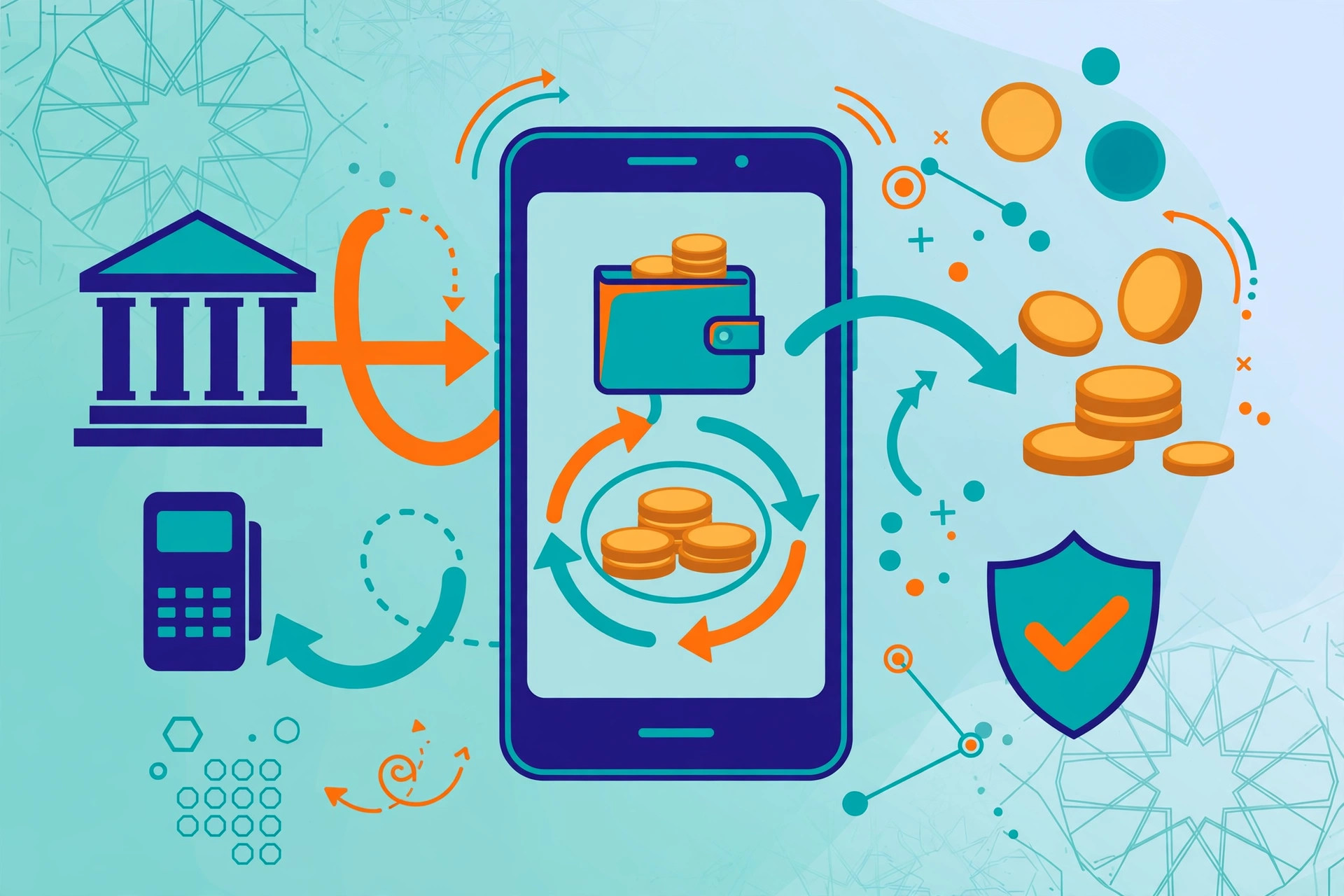
Paying for an SMM panel in Pakistan used to mean one of two familiar choices: JazzCash or Easypaisa. Those mobile wallets are still widely used, but they are no longer the whole story. More panels now list NayaPay and Raast among their payment options, and buyers increasingly ask how those methods work, whether they are safe, and what to do when a payment does not show up straight away. This guide answers those questions in practical terms.
One boundary first: this guide reports what rival panels offer in the market; it does not claim any specific panel, including GeoSMM, accepts every method here. Market evidence comes from rival FAQs — SMMYFIT lists Easypaisa, JazzCash, NayaPay, Binance USDT, local banks, and Raast, while Pak SMM Portal lists NayaPay. Confirm your chosen panel's own options before paying.
Key Takeaways
- NayaPay is a wallet and app-based payment method; Raast is Pakistan's instant interbank transfer system, usable via a Raast ID or IBAN.
- Rival panels' FAQs show NayaPay and Raast are offered in the Pakistani SMM market — SMMYFIT lists both, and Pak SMM Portal lists NayaPay.
- JazzCash and Easypaisa remain the most familiar mobile-wallet options, but they are not the only ways to fund a panel.
- Most payment problems come from a wrong recipient, a missing reference, or a delayed confirmation — all preventable with a careful check before sending.
- Keep full payment proof for every transfer: transaction ID, amount, recipient, date, and the panel order or reference number.
What Are NayaPay and Raast, and Why Do SMM Buyers Ask About Them?
NayaPay is a Pakistani electronic money institution providing a mobile wallet and app. Users load funds and pay merchants from their phone, without a bank branch. For SMM buyers, the appeal is simple: if funds are already in NayaPay, paying a panel is a short in-app transfer.
Raast works differently. It is Pakistan's instant interbank payment system, designed to move money between banks quickly via a Raast ID — often a linked mobile number — or an IBAN. For buyers whose money sits in a bank account, it offers a direct bank-to-bank route, without first moving funds into a wallet.
Buyers ask about both for the same reason: they want to pay from wherever their money already is. A student with funds in NayaPay, a freelancer paid into a bank account, and a reseller using JazzCash all start from different places, and the comparison below helps match your situation to the right method.
How Does Paying With NayaPay Actually Work?
Paying with NayaPay normally follows the same pattern as other wallet payments, with the details supplied by the panel. First, you check the panel's deposit or add-funds page for its NayaPay payment details and any reference or order number it asks you to include. Then you open the NayaPay app, enter the recipient details exactly as shown, enter the amount, and review the summary screen before confirming. That review screen is your last chance to catch a typo in the number or the amount, so read it rather than tapping through it.
After confirmation, the app will normally show a transaction ID and a success message. Save that screen immediately. A screenshot showing the transaction ID, amount, recipient, and time is the proof support will ask for if the panel balance does not update promptly. If the panel provides a form or a ticket to report a deposit, submit the same details there as well, so the panel has a record linked to your account, not just a screenshot in your phone gallery.
One caution applies to all wallet payments: confirm the recipient is the panel's merchant account, not an unrelated personal number sent in a chat message. If private details differ from the panel's own deposit page, trust the panel page and ask support first. See our JazzCash vs Easypaisa for SMM panels comparison for background on familiar wallets.
How Does Paying With Raast Actually Work?
Raast payments start from your bank's app or internet banking, not from a separate wallet app. You choose the Raast or instant-transfer option, enter the recipient's Raast ID or IBAN as provided by the panel, enter the amount, and confirm. Because Raast is designed for instant settlement, the money can arrive quickly, and the panel may be able to confirm it sooner than a traditional interbank transfer. That speed is helpful, but it also means there is little room to undo a mistake after you confirm.
The most common Raast error is also the simplest: an incorrect Raast ID. A Raast ID is often a mobile number, so it is easy to transpose digits or to use a number that belongs to a different account. Before confirming, check the number digit by digit against the panel's deposit page, and check that the account title shown by your bank matches the name the panel gave you. If the title does not match, stop and ask support — do not assume it is a minor difference.
Raast availability and limits vary by bank and account type, and the option name in your bank's app may differ. If you cannot find it, ask your bank whether your account is enabled, rather than guessing from a menu label.
What Are the Typical Steps to Pay an SMM Panel in Pakistan?
Although interfaces differ, the flow is usually the same. First, open the panel's add-funds page and note its exact payment details and any reference required. Second, confirm the panel itself lists your chosen method — NayaPay, Raast, JazzCash, or Easypaisa. Third, transfer from the correct app, double-checking recipient, amount, and reference. Fourth, save your proof and submit it if the panel asks for a deposit report. Finally, wait for the balance to update, contacting support with full proof if it does not within the stated time.
Two habits make this safer: start with a smaller first deposit on a new panel or method, even if a larger deposit would earn a bonus, and keep a simple record — date, panel, method, amount, transaction ID, and order ID — in one place. See our how to pay an SMM panel with JazzCash guide and the JazzCash and Easypaisa payments guide for the wallet side in detail.
On fees, be realistic: they are typically low in the market but vary by provider, bank, account type, and transaction size, and panels may add their own charges or minimums. This guide describes fees only in typical market ranges, never as a fixed promise — always check the fee on your own confirmation screen before confirming.
NayaPay vs Raast vs JazzCash vs Easypaisa: Which Method Fits Which Buyer?
The right method depends less on which one is “best” in the abstract and more on where your money already sits and how you want to prove the payment. The table below compares the four methods on the factors buyers actually feel: speed, typical fees, proof of payment, and reversibility. Read the caveats alongside it, because fees and limits vary and no table can replace the details on your own panel's deposit page.
| Factor | NayaPay | Raast | JazzCash | Easypaisa |
|---|---|---|---|---|
| How it works | Wallet and app-based transfer | Instant interbank transfer via Raast ID or IBAN | Mobile wallet transfer | Mobile wallet transfer |
| Speed | Usually fast within the app | Designed to be instant between banks | Usually fast within the wallet | Usually fast within the wallet |
| Fees (typical market range) | Typically low; varies by transaction and account | Typically low or free for many transfers; varies by bank | Typically low; varies by wallet and transaction | Typically low; varies by wallet and transaction |
| Proof of payment | App transaction ID and screenshot | Bank transaction record and reference | Wallet transaction ID and SMS or app receipt | Wallet transaction ID and SMS or app receipt |
| Reversibility | Usually difficult once sent | Usually difficult once settled | Usually difficult once sent | Usually difficult once sent |
| Best for | Buyers who already hold funds in NayaPay | Buyers paying directly from a bank account | Buyers who already use JazzCash daily | Buyers who already use Easypaisa daily |
In short: choose NayaPay if your funds are already in that app, Raast for a direct bank payment, and JazzCash or Easypaisa if those wallets are already part of your routine. None makes a panel itself trustworthy — that still depends on delivery, support, and terms — but a method you understand reduces payment errors.
What Proof Should You Keep After Every Payment?
Good proof has five elements, and you should capture all five before you close the payment app. They are the transaction ID, the exact amount, the recipient name or number as displayed, the date and time, and the panel reference or order ID you were asked to use. A screenshot that shows most of these is good; a screenshot plus a written note of the reference is better, because screenshots can crop out a reference field.
Keep that proof until the balance has updated and the funded order has been delivered. Deleting it early leaves you without evidence if the order later drops, and for resellers handling client money, a transaction ID is the professional answer to “did you pay?”
What Goes Wrong Most Often, and How Do You Avoid It?
The most frequent failure is sending money to the wrong recipient — often a personal number from a chat message instead of the panel's merchant account. The second is forgetting the reference number, which leaves support unable to match your payment to your panel account quickly. The third is delayed confirmation: the money has left your account, but the panel balance has not updated yet, and the buyer panics and sends a second payment, creating a duplicate that is harder to untangle.
Each has a simple prevention: verify the recipient on the panel's own deposit page, copy the reference exactly even if the field looks optional, and if confirmation is delayed, wait for the stated processing time then contact support once with full proof — rather than paying again. Unanswered support is itself information about the panel.
Safety Checklist Before You Pay
- Confirm the method is listed on the panel's own deposit page — not only in a chat or an advertisement.
- Check the recipient name or number digit by digit against the panel page.
- Include the exact reference or order number the panel asked for.
- Read the amount and fee on the confirmation screen before tapping confirm.
- Save a screenshot with the transaction ID, amount, recipient, and time.
- Start with a small deposit on a new panel or a new payment method.
- If confirmation is delayed, contact support once with full proof — do not send a duplicate payment.
- Never share your wallet PIN, bank password, or OTP with anyone claiming to be panel support.
Disclaimer: Payment-method availability varies by panel and changes over time. Confirm the current options, fees, minimums, and terms on the panel itself before paying, and never deposit more than you can afford to test.
Frequently Asked Questions
Does GeoSMM accept NayaPay and Raast payments?
This guide does not claim GeoSMM's own payment list. Rival panels' FAQs show NayaPay and Raast are offered in the market, but always confirm the current options on the panel you actually use before paying.
What is NayaPay and how does it work for panel payments?
NayaPay is a wallet and app-based payment service in Pakistan. You hold funds in the NayaPay app and can send money to a merchant or account using the details the panel provides. Keep a screenshot of the completed transfer, including the transaction ID, amount, and recipient, as your proof of payment.
What is Raast and how is it different from a normal bank transfer?
Raast is Pakistan's instant interbank payment system. It moves money between banks quickly, often via a Raast ID such as a linked mobile number, or an IBAN. Speed is the main difference; correct recipient details matter just as much.
Which is better for SMM panels: NayaPay, Raast, JazzCash, or Easypaisa?
No single method is best. NayaPay suits buyers holding funds in the app, Raast suits bank-account payers wanting an instant transfer, and JazzCash or Easypaisa suit existing wallet users. Choose the method whose receipt process you understand best.
What proof should I keep after paying a panel?
Keep the transaction ID, the exact amount, the date and time, the recipient name or number as shown, and a screenshot of the completed payment. Also keep the panel order ID and any reference number the panel asked you to use. If confirmation is delayed, this set of details is what support will ask for first.
What if I send payment to the wrong number or forget the reference?
Contact support immediately with full payment proof, and do not send a second payment until it replies. Recovery from a wrong personal number depends on that recipient and your bank or wallet provider, and is not guaranteed — hence checking before confirming matters most.
Are NayaPay and Raast payments reversible?
Generally, treat them as difficult to reverse once completed: Raast settles quickly by design and wallet transfers are usually final. A panel may still credit or refund you under its own terms, but do not rely on reversing the transfer itself.
FAQs
Start with GeoSMM.pk
Compare services, add funds, and track SMM orders from one dashboard built for Pakistan users and resellers.