SMM Panel Pakistan Bank Transfer Payments Guide 2026
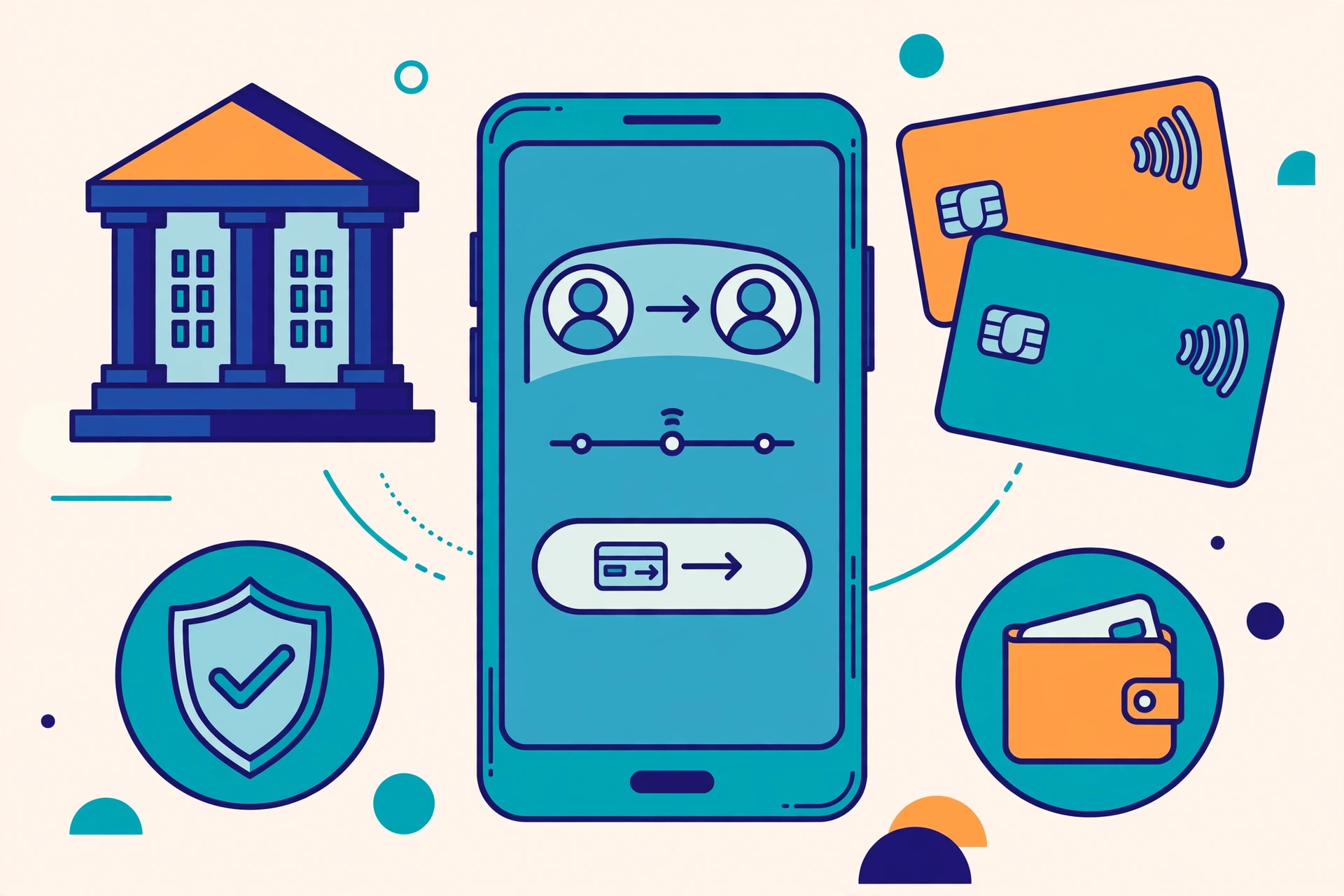
Bank transfer has become one of the most practical ways to pay for online services in Pakistan. With mobile banking apps, Raast instant payments, and IBAN transfers now available from almost every major bank, many buyers prefer to pay directly from their bank account rather than topping up a wallet first. If you are considering an SMM panel in Pakistan, understanding how bank transfer payments work can save you time, avoid failed payments, and help you keep a clear record of every transaction.
This guide explains bank transfer, IBAN, and Raast payments for SMM panels in Pakistan in plain language. It covers how each method works, how long confirmation usually takes, what fees and limits to expect, and the safety checks you should run before you send money. All prices mentioned here are typical market ranges in Pakistan in 2026, not live GeoSMM prices and not a quote. Always check the current service list and payment page on GeoSMM.pk before ordering, because live prices and available methods can change.
Key Takeaways
- Raast payments are usually the fastest option and often arrive within minutes, while IBAN transfers can take longer.
- Always copy the account title, IBAN, and amount exactly from the official payment page and verify them before confirming.
- Keep your transaction receipt and transaction ID until your payment is confirmed, so support can trace it if needed.
- Bank charges depend on your bank and method, not on the panel, so check the fee shown in your bank app first.
- Never send money to an account shared only in a chat message, and never share your password or OTP with anyone.
- If a payment is delayed, wait for the normal clearing time, then contact support with your receipt instead of paying twice.
How Do Bank Transfer Payments Work on SMM Panels in Pakistan?
On most SMM panels in Pakistan, the payment flow follows a simple pattern. You choose a service, enter the quantity or link required, and go to checkout. The panel then shows the available payment methods, which may include bank transfer, Raast, and mobile wallets such as Easypaisa and JazzCash. When you select bank transfer, the panel displays the account details you need, usually the account title, bank name, IBAN or account number, and sometimes a Raast ID.
You then open your own bank app or internet banking portal, add the panel account as a beneficiary if needed, and send the exact amount shown at checkout. After the transfer, you may be asked to upload a receipt or enter a transaction ID on the panel, or the payment may be detected automatically. In either case, your balance or order status updates once the payment is confirmed. The key point is that you are sending money from your bank account to the account shown on the official payment page, not to a random number shared elsewhere.
This process is familiar to anyone who already pays utility bills, university fees, or online orders through a bank app in Pakistan. The difference with an SMM panel is that timing matters more, because you may want your order to start promptly. That is why many buyers prefer Raast for smaller payments, since it clears quickly, and reserve IBAN transfers for larger amounts or for banks where Raast is not yet linked. If you are new to SMM panels, start with a small test payment to learn the flow before committing a larger amount.
What Is the Difference Between IBAN, Raast, and a Local Bank Transfer?
These three terms are often used interchangeably, but they describe different routes for moving money. An IBAN is a standardised international bank account number, starting with PK followed by digits, that identifies a specific account in a specific bank. An IBAN transfer sends money to that account through the interbank system. A local bank transfer is a broader term that can mean any transfer within Pakistan, whether it is within the same bank or to another bank. Raast is Pakistan instant payment system, built for fast transfers using a Raast ID, such as a mobile number or an IBAN linked to Raast.
For a buyer, the practical difference is speed and convenience. Raast is designed for instant, low-cost transfers and works well for everyday amounts. IBAN transfers are reliable and widely accepted, but they can be slower, especially across banks or outside banking hours. A transfer within the same bank is often the fastest of the traditional options, because the money does not need to pass through the interbank clearing process. The table below summarises the differences in a way that is easy to compare before you choose.
| Method | What you need | Typical speed | Best for |
|---|---|---|---|
| Raast payment | Raast ID or linked mobile number | Usually minutes | Small, urgent payments |
| IBAN transfer | Full IBAN and account title | Minutes to a few working hours | Larger or formal payments |
| Same-bank transfer | Account number and title | Often instant or near-instant | When both accounts share a bank |
| Mobile wallet top-up | Wallet number, such as Easypaisa or JazzCash | Usually minutes | Buyers without a bank app |
If you are unsure which method a panel supports, check its payment page first. Some panels list Raast and IBAN separately, while others show a single bank transfer option with both details. For background on wallet alternatives, see the SMM panel Pakistan Easypaisa price list and the SMM panel Pakistan JazzCash price list, and for the Raast angle specifically, the NayaPay and Raast payments guide.
How Long Does a Bank Transfer Payment Take to Confirm?
Confirmation time depends on the method, the banks involved, and the time of day. Raast payments are designed to be instant, and in practice most arrive within a few minutes, even outside banking hours. IBAN transfers between different banks usually take longer, often from a few minutes to a few working hours, because the receiving bank needs to clear and post the funds. Transfers within the same bank are often much faster, since no interbank clearing is involved.
Several factors can delay a transfer. Payments sent late at night, on Sundays, or on public holidays may sit in a queue until the next working day. A mistyped IBAN, a mismatched account title, or an amount that differs from the checkout total can also cause a hold or a rejection. Some banks apply extra checks to first-time beneficiaries or to unusually large amounts, which can add a delay even when the details are correct. If your transfer is still unconfirmed after the expected window, check your bank statement first to confirm the money actually left your account, then share the transaction ID with support.
What About Fees, Limits, and Minimum Amounts?
Fees for bank transfers in Pakistan are generally modest, but they vary by bank and method. Many banks offer free or very low-cost Raast transfers for personal accounts, which is one reason Raast has become popular for online payments. Interbank IBAN transfers may carry a small fee, often shown in your bank app before you confirm, and some banks waive the fee for transfers below a certain threshold or for premium account holders. Business accounts may have different fee schedules, so the exact charge you see is determined by your bank, not by the panel.
Limits are equally bank-specific. Your bank app may set a daily transfer limit, a per-transaction limit, and a separate limit for new beneficiaries during the first 24 hours. If your payment amount is higher than your limit, you may need to raise the limit in your bank app, split the payment only if the panel allows it, or choose a different method. Panels may also set their own minimum deposit, which is shown at checkout. As a general guide, typical market ranges in Pakistan in 2026 for small SMM orders often start from a few hundred rupees, but this is not a live GeoSMM price and not a quote. Always confirm the minimum and the exact amount on the panel payment page before you transfer.
How to Pay an SMM Panel by Bank Transfer: Step by Step
Follow these steps in order, and do not skip the verification checks. A careful two-minute check before you confirm can prevent a delayed or misdirected payment.
- Log in to the panel and go to the payment or add-funds page, then select bank transfer or Raast as your method.
- Note the exact account title, bank name, IBAN or Raast ID, and the exact amount shown at checkout.
- Open your own bank app, and add the account as a beneficiary if your bank requires it, using the details exactly as shown.
- Double-check the account title character by character, because a small spelling difference can cause a delay or rejection.
- Enter the exact amount, review any fee your bank shows, and confirm the transfer in your bank app.
- Save or screenshot the receipt, including the transaction ID, date, time, and amount, before you close the app.
- Return to the panel, upload the receipt or enter the transaction ID if asked, and wait for confirmation before placing a repeat payment.
If the panel asks for a reference note or order ID, include it exactly as instructed. If it does not ask for one, do not add extra text that could confuse reconciliation. Keep your receipt until the payment shows as confirmed, even if the confirmation arrives quickly. For buyers who also use wallets, the Easypaisa and JazzCash guides linked above explain how those flows differ from a direct bank transfer.
How Do You Stay Safe When Paying by Bank Transfer?
Safety starts with using only the official payment page. Scammers sometimes impersonate panels in comments, messages, or fake support chats and share a different account number. If anyone asks you to send money to an account that does not match the payment page, stop and verify through the official site or support channel first. A genuine panel will never ask for your bank password, OTP, PIN, or card details, and you should never share those with anyone, even if the message looks urgent.
Other practical habits help as well. Send a small test payment the first time you use a new panel, so you can confirm the flow before larger amounts. Avoid public Wi-Fi when making a payment, keep your bank app updated, and enable transaction alerts so you see every debit immediately. If a transfer fails, check whether the money was actually debited before trying again, because a duplicate payment is harder to untangle than a short wait. Finally, keep a simple record of each payment, including the date, amount, method, and transaction ID, so you can resolve any query quickly and confidently.
Frequently Asked Questions
Can I pay for an SMM panel in Pakistan with a bank transfer?
Yes, many SMM panels in Pakistan accept bank transfers, including IBAN transfers and Raast payments, but the exact methods vary by panel. Always check the payment page on the panel you plan to use and confirm the account details shown there before sending any money.
What is the difference between an IBAN transfer and a Raast payment?
An IBAN transfer moves money to a full bank account number and can take longer to clear, while a Raast payment uses a Raast ID, such as a mobile number or IBAN linked to Raast, and usually arrives within minutes. Raast is generally faster for small, everyday payments in Pakistan.
How long does a bank transfer payment take to confirm?
Raast payments often confirm within a few minutes, while interbank IBAN transfers can take from a few minutes to a few working hours. Transfers sent late at night, on weekends, or on bank holidays may only clear on the next working day, so allow extra time.
Are there fees for paying an SMM panel by bank transfer?
Fees depend on your bank, the transfer method, and the amount. Raast transfers are often free or very low cost for personal accounts, while some interbank transfers may carry a small fee. Check your bank app before confirming, because the panel does not control your bank charges.
What details do I need to make a bank transfer payment?
You usually need the account title, IBAN or account number, bank name, and the exact amount shown on the payment page. For Raast, you may only need a Raast ID. Copy the details exactly from the payment page, double-check the account title, and keep your transaction receipt.
Is it safe to pay an SMM panel by bank transfer?
Bank transfer can be safe if you use the official payment page, verify the account title matches the panel name shown, send only the exact amount, and keep your receipt. Never send money to a personal number or account shared only in a chat message, and never share your bank password or OTP with anyone.
What should I do if my bank transfer is not confirmed?
First, wait for the normal clearing time and check your bank statement for the transaction ID. Then contact the panel support with your receipt, amount, date, and transaction ID. Do not send a second payment until support confirms whether the first payment was received.
Bank transfer, IBAN, and Raast payments give Pakistani buyers a direct, familiar way to fund SMM services without relying on a wallet top-up first. Choose Raast when speed matters, use IBAN for larger or more formal payments, verify every detail before confirming, and keep your receipt until confirmation arrives. Prices and methods shown here are typical market ranges in Pakistan in 2026, not live GeoSMM prices and not a quote. To see the current options, visit GeoSMM.pk and check the service list on the site before ordering.
FAQs
Start with GeoSMM.pk
Compare services, add funds, and track SMM orders from one dashboard built for Pakistan users and resellers.